Mixer and Effects
Balance voices, automate the mixer, route effects, and process the master mix.
Mixer
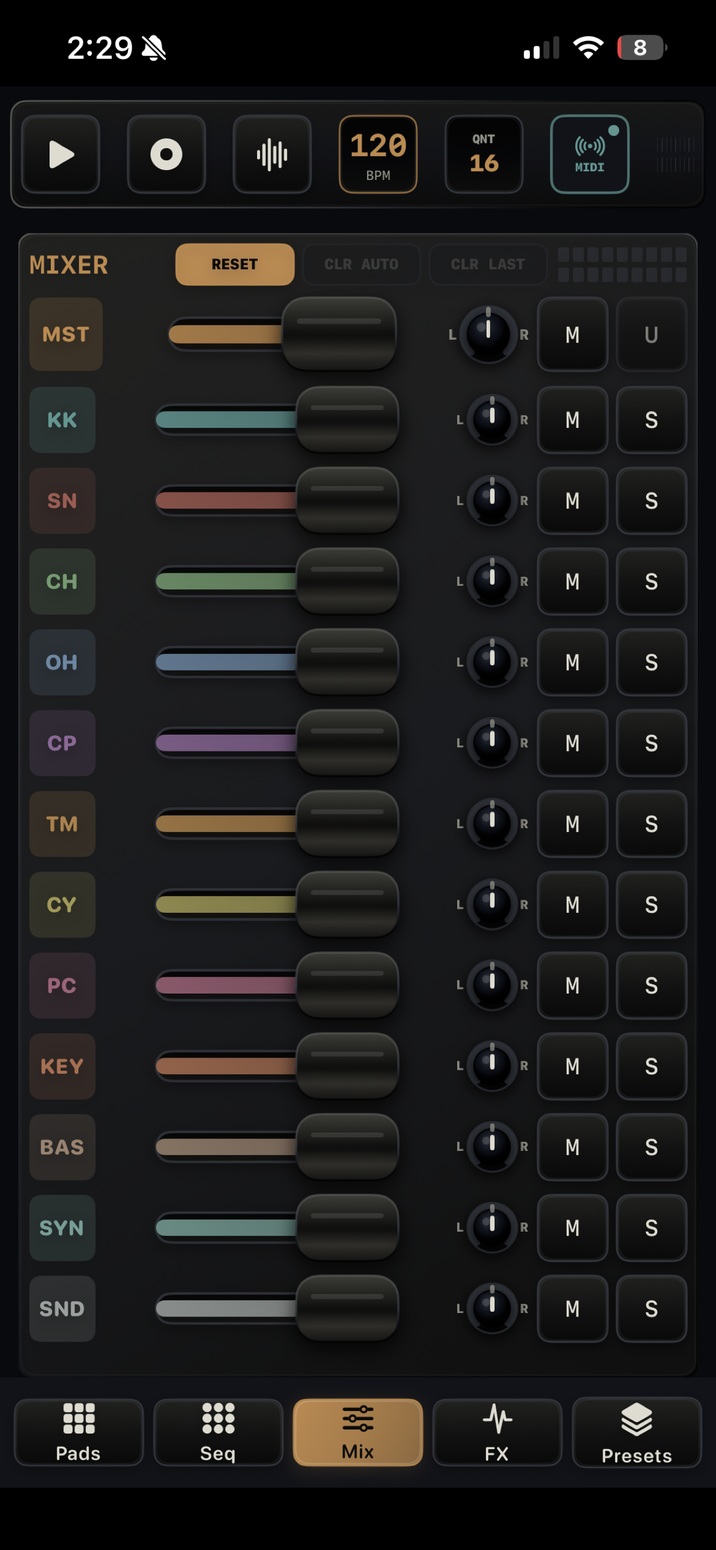
- Each voice has level, pan, mute, and solo.
- MST controls final output level and pan.
- M mutes all tracks with a master mute latch; U releases muted tracks.
- RESET returns mixer values to a neutral mix.
- CLR AUTO clears mixer automation. On the large Mac surface it is labeled CLR MIX. CLR LAST removes the most recently touched mixer automation lane.
Effects
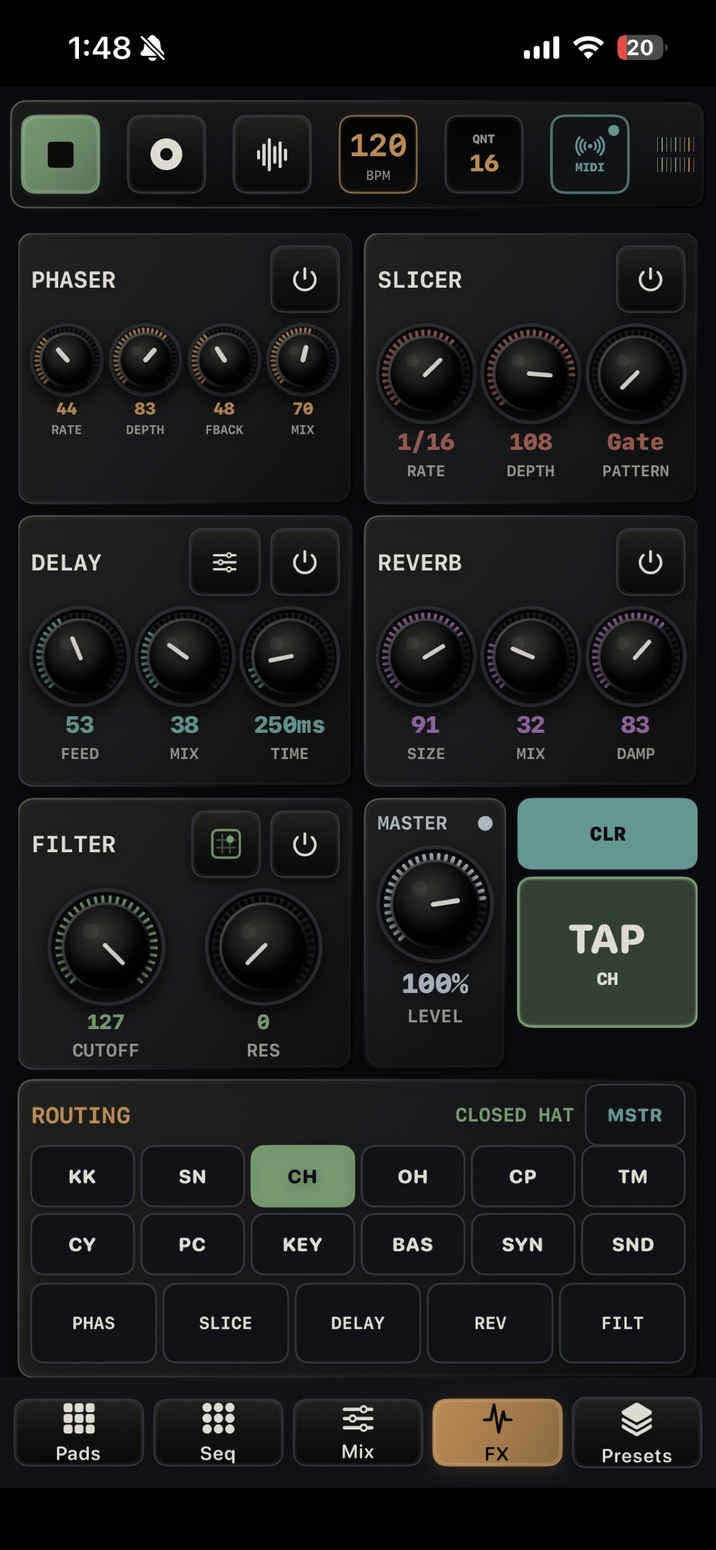
- Pattern FX has a modulation processor with PHASER, CHORUS, and FLANGER modes, plus Slicer, Delay, Reverb, Filter, and Master. Choose the voice or MSTR target first.
- The modulation modes share RATE, DEPTH, FBACK, and MIX controls. Choose the mode in the modulation panel, then shape its movement and wet level.
- Song EQ, Compressor, Limiter, and ordered insert chains are described in Song Mixer and Automation.
- Select a voice or MSTR, then route it through the effects you want.
- Voice routing is per voice; MSTR processing affects the final mix.
- Filter Pad and Delay Options open focused performance panels.